
The Way to Optimize Voice Quality in Apple Music
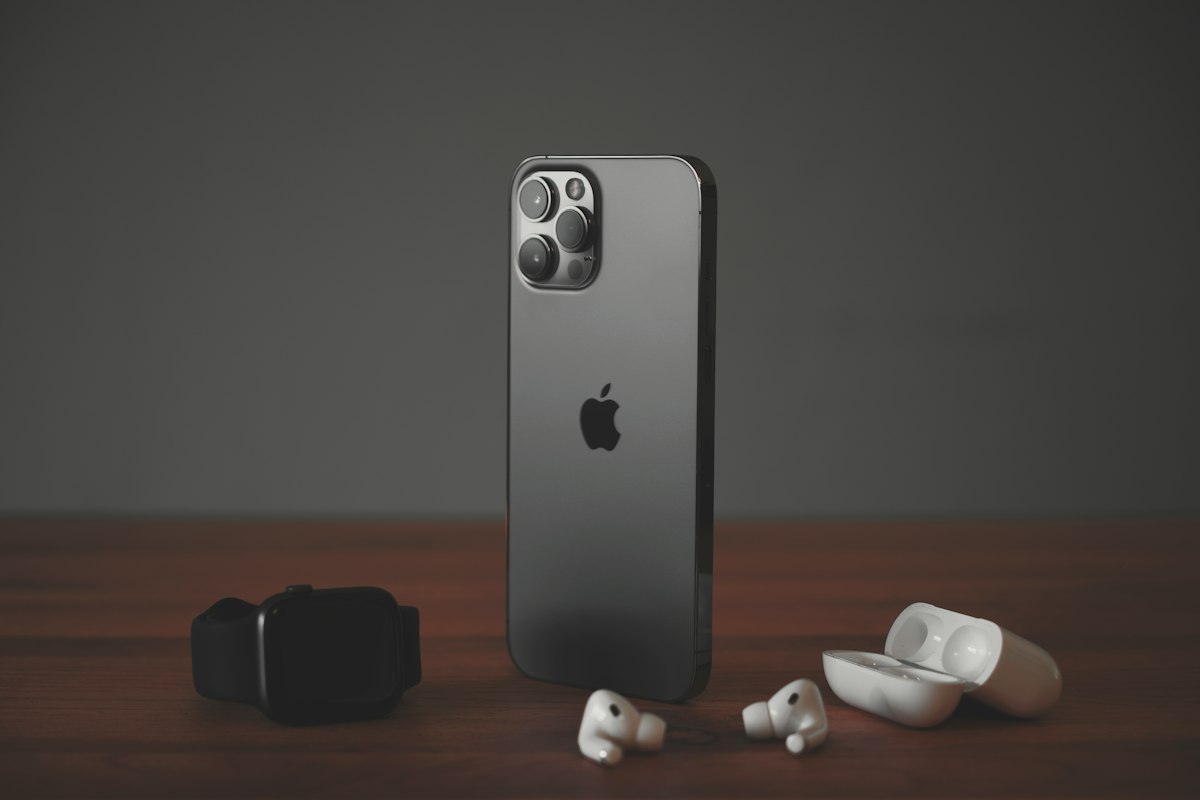
While Apple Music users are often orphans with default audio settings, they can significantly improve the experience of listening to music with unlossed flow and synchronising (EQ) that is integrated into the platform. When you reach the right menus, you can tweak the sound quality according to your personal preferences.
The main points you need to pay attention to optimizing sound quality in Apple Music:
- Enabled stream activation: You can listen to music at higher bitrate by opening the lostless streaming option in the Settings > Music > Audio Quality menu. -Distributor (EQ) settings: Choose from the Preset syncors or create your own audio profile, optimize it according to music type.
- Control the speed of the Internet: The lost flow requires more bandwidth; provide WiFi connection. -Cihaz verification: All Apple devices support these features, but can limit wireless headphones.
These steps make difference for music enthusiasts that care about sound quality. Especially if you are using high quality headphones or speakers, you can feel exactly the advantage of lost flow. Equalizer options include preset profiles for different types such as pop, classic, rock.
Although Apple’s features come to hidden menus, your music experience is significantly improved when you find and set it once.