
A Simple Setting To Improve Sound Quality in Netflix
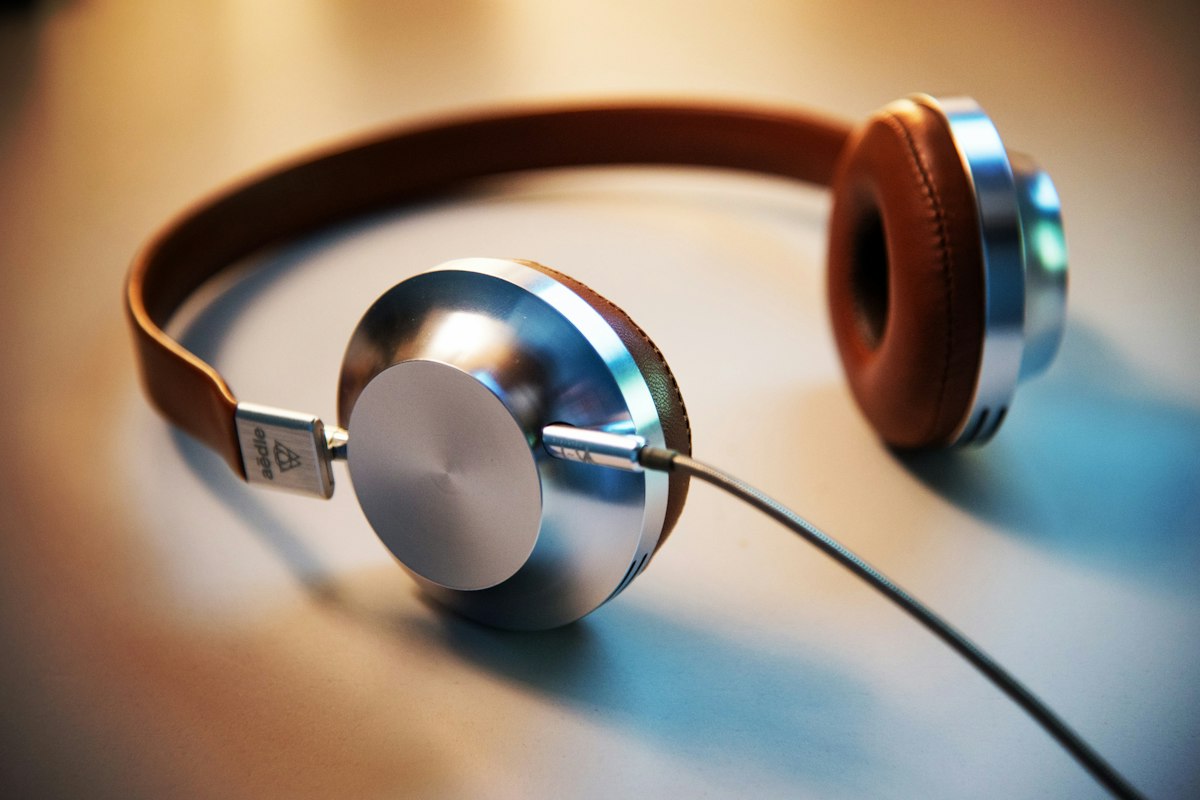
You may have complained of sound quality while watching movies or watching the series on Netflix. If you encounter difficulties in understanding dialogue or situations where music and effects do not come clear, the solution may be quite simple. With the hint that Engadget offers, a small change to the platform settings can significantly improve your audio experience.
What to do to improve sound quality in Netflix:
- Go to account settings Logistic preferences
- Select the highest bit speed instead of automatic sound quality adjustment
- Make sure your connection is quality; it requires high quality sound, stable internet connection
- Check the audio output settings on your device, select the right speaker or headphone
- Update the application version; old versions can cause sound problems
Most users may notice a significant difference after these settings are made. In particular, the dialogue is provided with a clean and sharp sound in its mainly content. In addition, if your internet speed is low, it can compress your automatic setting audio and reduce quality.
If you want high quality sound experience, this simple configuration can be applied in a few seconds. To check your Netflix settings, additional software offers the right solution without installing.